Multi-location customer management: how to keep one record for customers who contact different branches
Customers write to one branch, continue on WhatsApp, then visit another branch. A workable method for reducing duplicate records and making history and ownership clear.
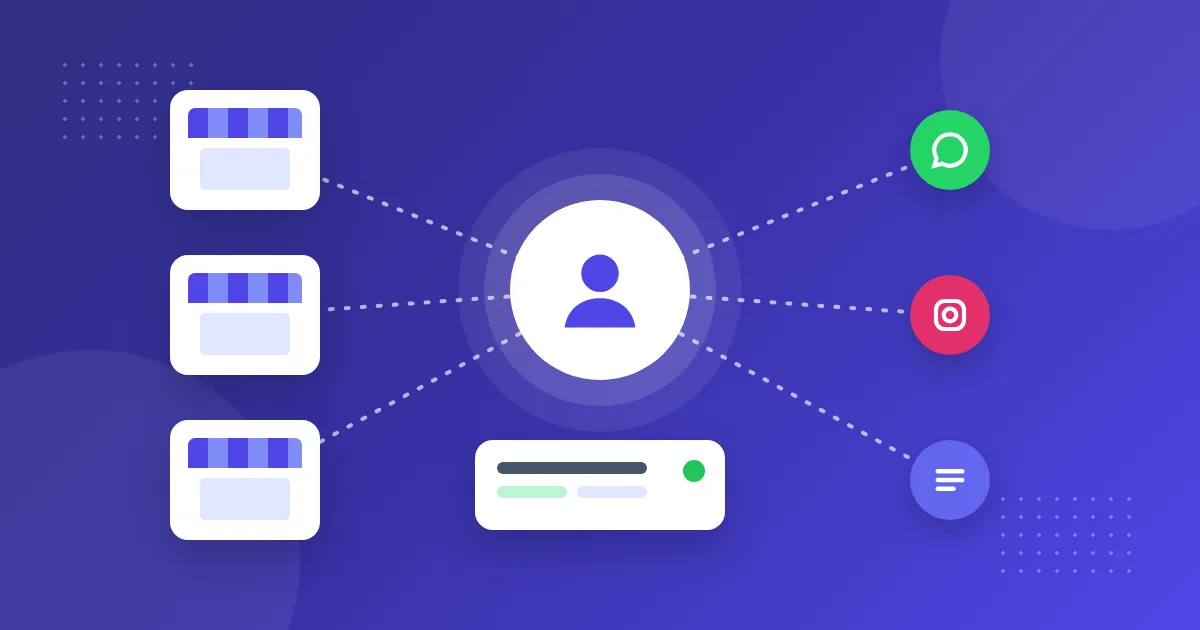
In multi-branch businesses such as retail, clinics and real estate, a customer messages one branch, continues on WhatsApp, and another day visits a different branch. The result is familiar: several records for the same person, scattered history and the question “who is handling this customer?” In multi-location customer management, the goal is to make clear who is responsible, wherever the customer writes.
Where does the problem really start?
- Scattered numbers: each branch uses its own phone and its own WhatsApp
- Personal memory: the conversation stays on the employee’s phone
- Unclear ownership: the rule for whose customer someone is isn’t written down
- Missing identity: the person can’t be recognized because no phone number or email was taken
Write the ownership rule first
Before choosing software, answer these questions. Does a customer belong to a single branch or to head office? If they go to another branch, does the owner change? What information should all branches be able to see? The answers determine how you set up the system.
Two common setups
| A separate workspace per branch | One central team | |
|---|---|---|
| When it fits | If branches sell independently | If customers often move between branches |
| A separate number for each branch | One number, central team | |
| Visibility | Employees see only their own branch | The authorized team sees all records |
| Watch out | The same person can be a separate lead in each branch | Branch details must be kept in the note |
How to set it up in OnlyContact
- Create workspaces for branches or brands
- Assign channels and web forms to the relevant workspace. Each channel account belongs to one workspace
- Limit employees to their own workspaces and give head office managers access to all
- Define sales stages jointly for all branches
- Ask employees to request the customer’s phone number and email address early
How do records become one?
Phone numbers and email addresses are matched to a single contact record across the company. Leads and owners, however, are kept per workspace: if the same person writes to two branches, the contact stays the same and each branch has its own lead and owner. If there is an open lead in the same workspace, the new message or form is added to it. Name similarity doesn’t trigger an automatic merge; it appears to authorized users as a “possible same person” suggestion.
How does ownership become clear?
New leads are distributed in turn to employees who can see that workspace and are available for assignment. A known customer goes to their current owner in the same workspace. Authorized users can hand over records, and a departing employee’s open records are distributed to the others. The conversation history stays on the record, not on someone’s phone.
Phone and in-store conversations
OnlyContact brings written channels together; there is no phone system or POS integration. The employee writes up a phone or in-store conversation by hand in the lead note, or adds a new lead. Without this discipline, records stay incomplete, so a short, mandatory note habit matters. If automatic capture of phone records is a requirement for you, you need to solve it with another tool.
A monthly checklist
- Check possible duplicate record suggestions
- Assign open conversations that have no owner
- Check that won and lost closures are being made
- Confirm that new employees are linked to the right workspace
You can see the number of users and channels that fits your number of branches on the pricing page.