What is lead management? A step-by-step process for sales teams
Lead management is the work of following a prospect from first contact to sale. Steps you can apply for the right process, clear owners and measurement.
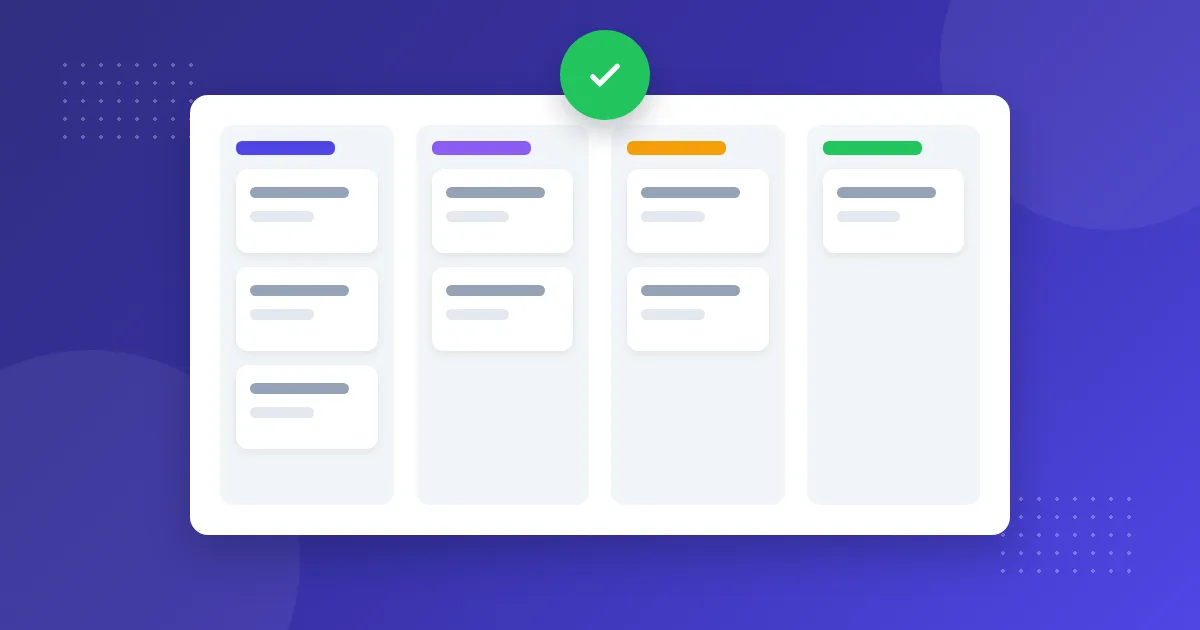
Lead management is the work of following people who have shown interest in an organized way, from first contact to the sales outcome. Ads, forms or messages can bring new inquiries every day; but if it isn’t clear who will reply and what happens next, some of these inquiries go to waste. A good process doesn’t have to be complicated.
The lead management process in six steps
1. Bring all sources into one place
First list where your leads come from: web forms, ad forms, WhatsApp, Instagram, Messenger, live chat, email, phone. The goal is for every source to land in the same list. In OnlyContact CRM, messaging channels and forms come in automatically, and you add those that arrive by email or phone by hand.
2. Record the source
Store which channel, campaign or page the lead came from. Web forms use UTM data, and ad forms use campaign and ad details. Without this, budget decisions come down to guesswork.
3. Set the owner right away
Each lead should have one owner. In a small team, assigning in turn is enough: new leads go in turn to people available for assignment, and a recognized customer returns to their current owner.
4. Make a quick first contact
Give your team a measurable target; for example, 15 minutes during working hours. Turn on notifications, answer the main question in the first message and make the next step clear.
5. Define meaningful stages
Stages should describe where the customer is, not what the employee is doing. A simple example:
- New
- Contacted
- Need understood
- Quote given
- Won or lost
Try not to go beyond seven stages. Make sure the team knows the condition for moving past each stage.
6. Close the outcome and measure
This is the most frequently skipped step. If you don’t close the opportunity as won or lost, the report loses its meaning. The key numbers to track: incoming leads, source breakdown, conversion rate and build-up in stages.
Common mistakes
- Leaving leads on employees’ personal phones
- Keeping the same person as a separate record per channel; for the solution, see the duplicate lead guide
- Defining too many stages and turning a blind eye when they aren’t updated
- Looking only at the number of leads and not measuring conversion to sales
- Not noting the reason for a loss
- Sending commercial messages without permission
When choosing lead management software
- Do the channels you use connect automatically?
- Is the same person recognized across channels?
- Do assignment and user permissions meet your needs?
- Are tasks, reminders, scoring, CSV or phone integration a must for you?
- Are the agreements and information you need for your data protection obligations provided?
OnlyContact focuses on teams that sell through conversations: messages, forms and the pipeline are its strengths. Task and reminder scheduling, automatic scoring, custom field definition and CSV import or export are not currently available. If anything on this list is a must, weigh it up before you start.
A practical plan for the first week
- Day 1: List your lead sources and connect the busiest channel
- Day 2: Write down the stages and the rules for moving between them
- Day 3: Set up team members and assignment
- Day 4: Connect web forms and ad forms
- Day 5: Set your first-reply target and check open records
To try it with your own customers, start the 7-day free trial or compare plans on the pricing page.