Website live chat: how to turn visitors into customers in real time
A live chat window answers questions while visitors are still on your website. Here is how to set it up, when to show "online" and how to keep only the chats that matter.
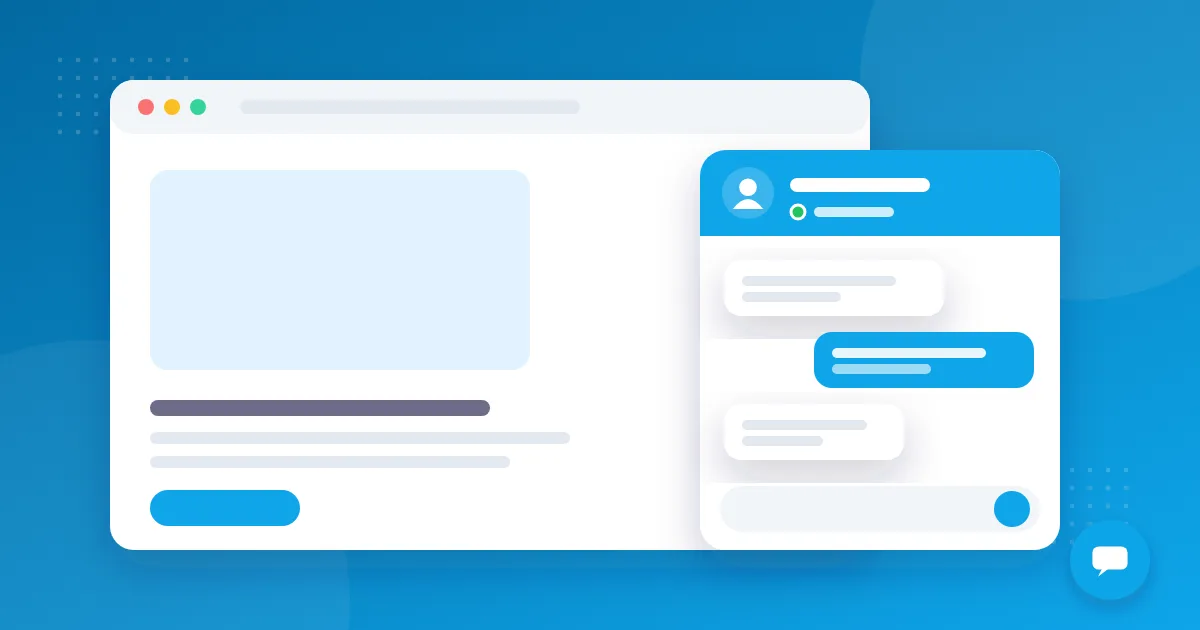
Most website visitors leave without filling in a form. A website live chat catches them at the moment they have a question, and a quick answer is often what decides the sale.
Set it up in minutes
With OnlyContact live chat you copy one line of code into your site. The chat window takes your colours and language (six languages are built in), and you choose on which domains it may run. Every conversation arrives in the same team inbox as WhatsApp, Instagram and Messenger.
Online, offline and response time
Visitors see whether your team is online. When nobody is available, the window says so and asks for an email address first, so you can always reply later. A short sound in the panel tells your team when a new message arrives, even if they are working on another page.
Every chat has a beginning and an end
- Your agent can end a chat; the visitor sees that the conversation is closed
- The visitor can end it too, and the history is removed from that device, which matters on shared computers
- A chat without messages for 24 hours closes automatically; the next message starts a fresh conversation linked to the same person
Keep the chats that matter
Not every chat is a sales opportunity. That is why live chats do not create leads automatically: whoever answers decides with one click whether it becomes a lead in the CRM pipeline. If the visitor is already a known customer, the system suggests the existing record instead of creating a duplicate, as explained in one customer, many channels.
Protection against spam
Only allowed websites can load your chat, links in visitor data are checked and the number of new chats per visitor address is limited. That keeps your inbox and your monthly lead quota clean.
Tips for a good first answer
Greet the visitor by name if they gave one, answer the actual question first and only then ask for contact details. Short messages read better in a small chat window than long paragraphs. If you need time to check something, say so instead of staying silent.
Want to see it on your own site? Start the free 7-day trial or compare the plans on the pricing page.